PC Store Together System Requirements & Performance Floor
Minimum specs, post-optimization VRAM scaling, and stutter troubleshooting for busy shops.
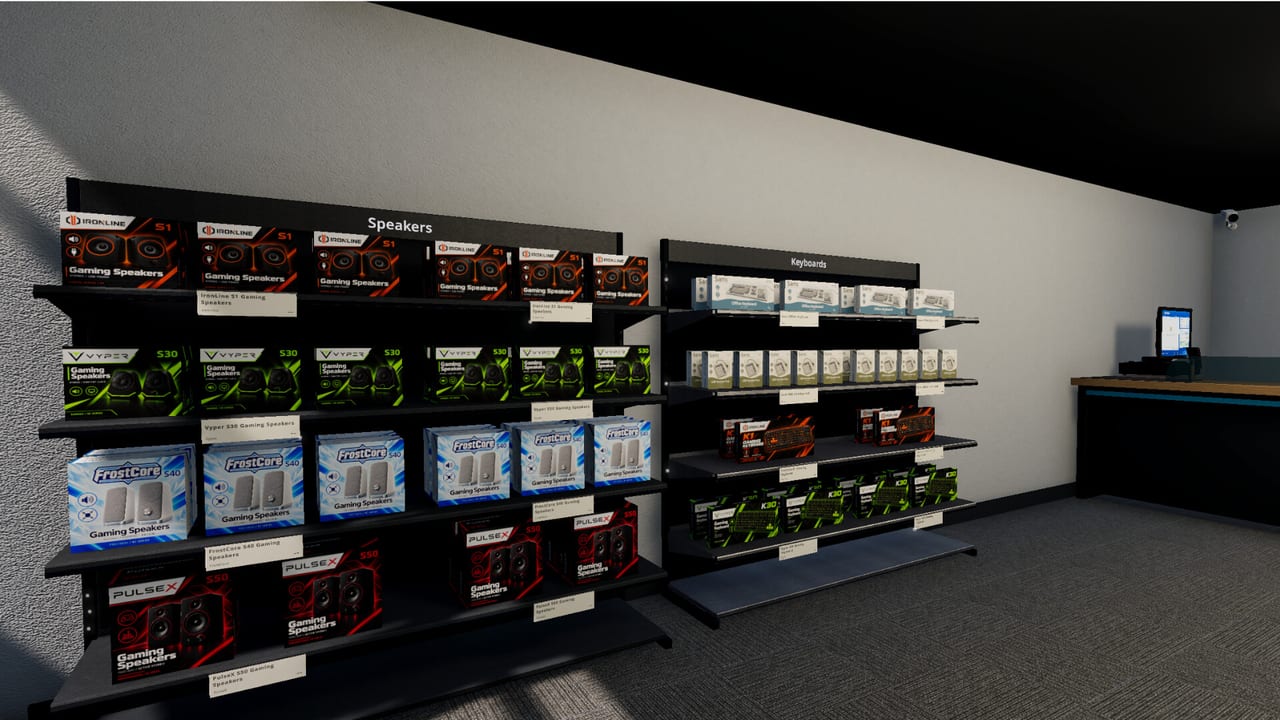
Before you promise friends a four-player renovation night in PC Store Together, confirm the host machine can breathe. Sykes Games and Nightmare Studios shipped the game on Steam for Windows on November 24, 2026 (app 4990940) as a Windows-only release at launch. This guide collects the published minimum specifications, explains what those numbers mean in a prop-heavy shop sim, sets expectations after the Performance Optimization Update, and walks through stutter and low-FPS troubleshooting that does not invent fake “ultra” recommended rows.
For first-hour gameplay, continue to Getting Started. For keybinds and shop-computer navigation, use Controls. Audience and co-op fit notes live on the Players Hub.
Windows-only at launch
Launch store messaging is Steam + Windows. Do not assume macOS, Linux, or console builds exist until the official store page says so. If a friend is on another OS, the realistic options are: wait for an official port announcement, or watch someone else host while you decide. Proton or third-party layers are outside this wiki’s support claims—stick to the Windows path for troubleshooting advice here.
Minimum specifications (published floor)
| Component | Minimum guidance |
|---|---|
| OS | Windows 10 64-bit |
| CPU | Intel Core i5 class around 2.5 GHz (or equivalent) |
| Memory | 8 GB RAM |
| GPU | NVIDIA GeForce GTX 1060 / AMD Radeon RX 6600 XT class guidance |
| API | DirectX 11 |
| Storage | About 2 GB free for the install footprint called out at launch |
These numbers are a floor, not a promise of max settings with four players, every RGB case open, and a full customer queue. Shop sims spike when many interactable props, AI shoppers, and co-op avatars share one aisle.
Reading each row honestly
- CPU: Customer pathing, physics-ish bench interactions, and co-op simulation lean on single-thread responsiveness as much as core count. An older i5 that meets the GHz headline can still hitch if background apps steal the shop.
- RAM: 8 GB works when Windows and Chrome are not eating 6 GB before you click Play. For co-op hosting, free RAM is quality-of-life.
- GPU: GTX 1060 / RX 6600 XT class is the conversation starter for comfortable play. Weaker cards may need lower shadows/effects when the store is decorated and busy.
- DirectX 11: Keep GPU drivers current; DX11 titles still punish stale drivers when UI and world rendering fight during rushes.
- Storage: ~2 GB is the install conversation, not a save-forever budget—leave headroom on the drive for Windows virtual memory and Steam.
Post-optimization expectations
After launch, Steam news included a Major Optimization — Performance Update thanking players for performance reports and promising more work. Read that as improved hitching and frame-time behavior under load—not a rewrite of the minimum table. Details and reporting tips sit on Performance Optimization Update. Launch-day correctness fixes are separate: see Community Hotfixes and Launch Patch Notes.
Official Steam notes for the Major Optimization pass also state:
- Texture memory load dropped from about 12.3 GB to about 4.7 GB, with a smaller download/install.
- GPUs with under 7 GB VRAM load textures at half size (quarter size under 3 GB) to avoid running out of memory.
- Idle shop monitors stop redrawing every frame when nobody is near them.
- First launch can auto-pick Low/Medium/High for your GPU; existing settings are kept.
- If a brief hitch remains the first time new content appears after a restart, try Steam launch option
-force-d3d11and report results on Discord.
See the full bullet list on Performance Optimization Update.
Practical expectation setting:
- Solo, quiet shop, minimum GPU: aim for playable, stable frame times—not showcase ray tracing you do not have.
- Four-player co-op, dense furniture: budget a settings drop even on cards above minimum.
- After an optimization patch: re-test the same save and player count before declaring victory or defeat.
Troubleshooting stutter and low FPS
Work top-down. Do not skip the boring steps.
1. Confirm the build and the OS session
- Update PC Store Together fully in Steam.
- Restart the game client after hotfixes or optimization downloads.
- Reboot Windows if you have been hibernating for days with a leaky browser.
2. Free the machine
- Close heavy Chromium sessions, VMs, and leftover recording software if you are not intentionally capturing.
- Cap FPS to a number you can hold (for example a stable 60) instead of unlocked tearing dips.
- Try fullscreen exclusive versus borderless once after major patches.
3. Lower the expensive toggles first
- Shadows and effects usually cost more than a small resolution drop for bench readability.
- Reduce on-screen clutter: fewer open side panels “for screenshots,” fewer decorative props in the hottest aisle.
- If you recently expanded the floor, compare FPS before vs after the renovation (Store Expansion).
4. Separate network hitching from GPU hitching
In co-op, rubber-banding and freeze-frames can be host network or simulation stalls. Host on a wired, stronger PC when possible. Role splits in Co-op Multiplayer also reduce four people interacting in one dense camera volume.
5. Capture a useful report
If issues remain, post on Discord with CPU/GPU/RAM, settings, solo vs co-op count, and the action that spikes (open shop PC, place GPU, customer rush). That is the same loop that fed launch hotfixes and the performance pass.
Co-op hosting versus joining
Meeting minimums is enough to join. Hosting a busy four-player shop asks more of CPU, RAM free headroom, and upload stability. If one friend has a clearly stronger Windows box, let them host even if everyone “meets specs.” Pair that choice with Players Hub guidance on lobby etiquette.
Achievements and lightweight extras
Steam lists on the order of 38 achievements for PC Store Together as a platform feature count. Treat that as optional meta for completionists—not a performance setting and not an excuse to chase third-party trainers. Clear achievements by playing the shop loop; keep your anti-cheat conscience clean.
Specs versus shop skill
A smooth frame graph does not price GPUs for you. Once the client is stable:
- Learn assembly order in How to Build a PC
- Learn triage in How to Diagnose and Repair
- Learn order flow in Customer Orders
- Learn advanced habits in Tips and Tricks
Hardware gets you into the door; reputation and recipes keep the lights on.
Quick reference
- Platform: Steam Windows only at launch
- Release: November 24, 2026 — app 4990940
- Price context: about $12.99 with launch −15% intro timing called out through early December 2026 messaging
- Multiplayer: online co-op 1–4 plus solo
- Min GPU conversation: GTX 1060 / RX 6600 XT class, DX11
- When stuttering: update → restart → free RAM → cap FPS → lower effects → report cleanly
Related links
- Performance Optimization Update
- Community Hotfixes
- Launch Patch Notes
- Controls
- Getting Started
- Players Hub
- Guides Hub
- Steam: app 4990940
Meet the floor, keep drivers honest, and only then argue about whether that mid-tower deserved a second RGB strip.
Frequently Asked Questions
Quick answers to the most common questions.
What are the minimum specs for PC Store Together?
Windows 10 64-bit, i5-class ~2.5 GHz CPU, 8 GB RAM, GTX 1060 / RX 6600 XT class GPU, DirectX 11, and roughly 2 GB of storage footprint as published at launch.
Is PC Store Together available on consoles or Mac?
Launch messaging is Steam Windows only. Do not assume other platforms until the official store page lists them.
Did a performance update change the minimum specs?
The minimum table is unchanged, but the Major Optimization pass cuts texture memory (~4.7 GB vs ~12.3 GB), auto-scales textures on GPUs under 7 GB / 3 GB VRAM, and adds -force-d3d11 guidance for leftover hitches.
Why does co-op stutter more than solo?
More players, more interactable props in view, and network/simulation load on the host. Host on the strongest wired PC and lower effects before blaming a single patch.
Where should I go after confirming specs?
Open Getting Started for the first-day checklist, Controls for inputs, and Performance Optimization for the official stutter/VRAM patch notes.